
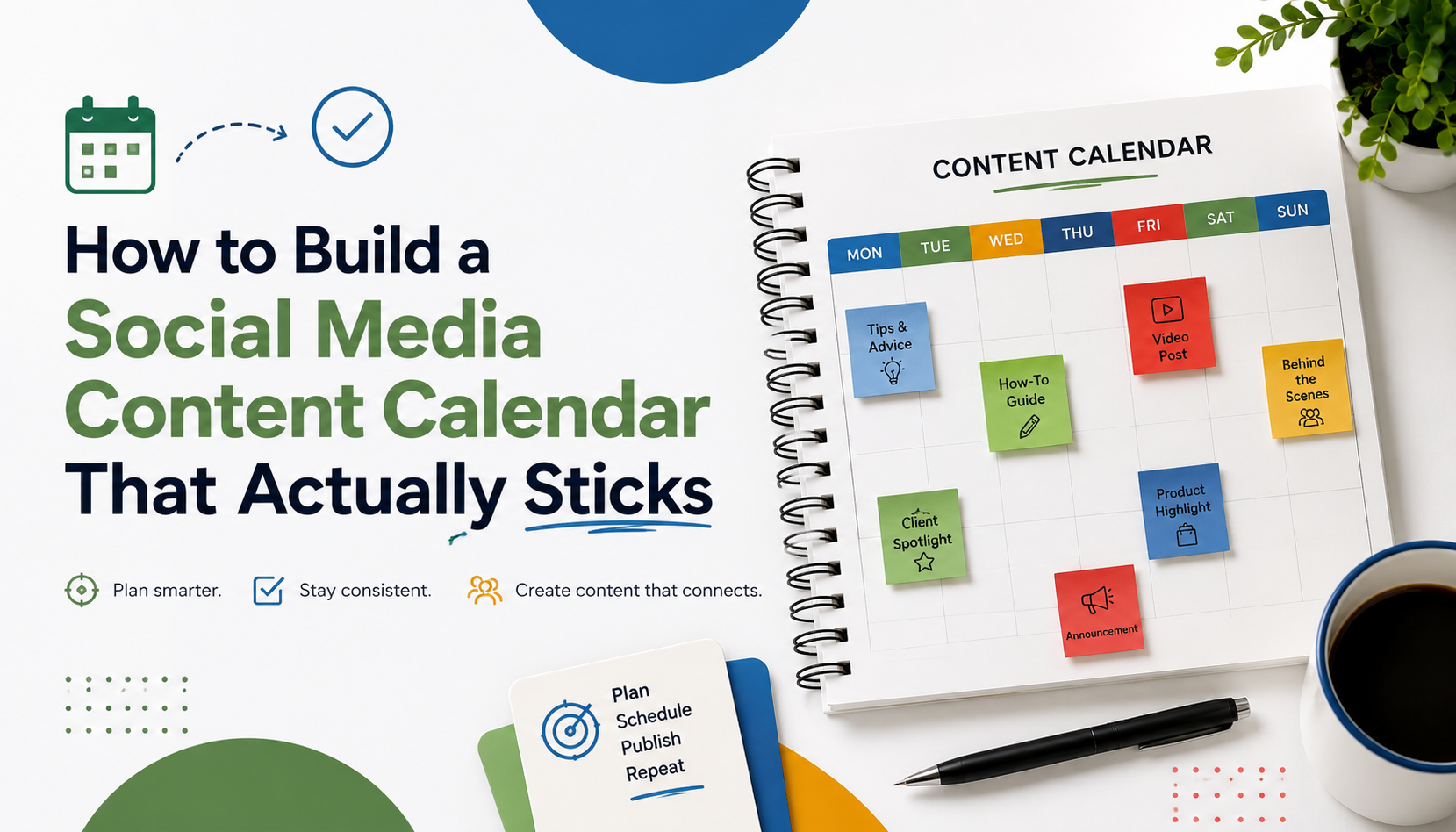
Build a Social Media Content Calendar That Actually Sticks
Most social media content calendars don't survive week three.
Someone misses a handoff. A campaign overruns. The spreadsheet picks up a few merged cells. By month two, the team's back to posting whatever feels right on a Tuesday morning. The calendar wasn't the problem. The structure around it was, and so was the tooling.
That's the part nobody talks about. You can pick the perfect framework, write the perfect monthly plan, color-code everything beautifully, and still watch it fall apart because the tool you're using makes every update expensive. Minopa was built around the opposite: one surface where the calendar, the composer, the media library, and the team workspace are the same workflow. Not four separate ones held together with hope and Slack threads.
Here's how to plan a calendar that holds, what cadence won't burn out your team, and the tooling that makes the next post cheap instead of dreaded.
Why most calendars fail
The pattern is always the same. New manager joins, sets up a 30-row spreadsheet, fills in two weeks of posts, and shares it with the team. By week three, half the cells say "see Slack." The other half are color-coded for a system nobody remembers. By week six, posts are going out without ever touching the calendar.
It's not laziness. It's friction.
Every time someone has to leave their actual workflow to update a separate document, the cost compounds. Multiply that by five contributors and seven platforms, and the calendar becomes the slowest part of the week. Eventually, people just stop opening it.
The fix has two halves: a smaller mental model for the calendar, and a tool that collapses the spreadsheet, the scheduler, and the asset hunt into one place. Get both right and the calendar stops being a tax.
What a content calendar actually needs to do
A working calendar answers four questions, in order:
- What are we publishing this month, and why?
- When does each post go live, on which platform?
- Who owns each step of getting it there?
- What's in flight versus published?
That's it. Anything that doesn't help answer one of those four is decoration. Custom tagging schemes, parallel briefs in three places, color codes for "vibe." They feel productive. They make the calendar harder to maintain.
The three-tier structure
Calendars that survive a quarter share a shape. Three tiers, layered top to bottom.
Tier 1: Themes (monthly)
A theme is a one-line answer to "what is this month about." A product launch. A customer story series. An industry conversation. Pick one per month, two if you must.
Themes give the team a fallback when an idea slot is empty: write something on the theme. That alone saves you a couple of "what should I post" conversations a week.
Tier 2: Topics (weekly)
Each week within the theme gets a topic. If the theme is "scheduling for distributed teams," week one might be "timezone handoffs," week two "platform-specific cadence." Topics let multiple posts compound on the same idea instead of scattering attention across the month.
Tier 3: Posts (daily)
Each post is a single asset, for a single platform, on a single day. This is the only tier that touches the calendar tool itself. Themes and topics live in your strategy doc. The calendar shows posts.
The mistake people make is trying to manage all three tiers in one spreadsheet. The calendar gets bloated, the strategy gets buried, and both jobs end up done badly.
Picking the right cadence per platform
A defensible starting cadence for a small team:
- LinkedIn: 3 to 5 posts per week, weekday mornings. See Minopa's LinkedIn integration.
- Instagram: 4 to 6 posts per week, mixing feed and reels. See the Instagram integration.
- X (Twitter): 1 to 3 posts per day for active accounts, lower for thought-leadership-only. See the X integration.
- TikTok: 3 to 7 short videos per week if the format matters to your audience. See the TikTok integration.
- Facebook, Threads, Pinterest: experimental cadences. Keep them low until they've earned more.
The number that matters more than frequency is sustainability. A team that ships three high-quality LinkedIn posts a week for a year will outperform one that ships seven for eight weeks and then collapses. Pick the floor you can actually hold.
Minopa publishes natively to all seven of those platforms from a single composer. You write once, customize the caption per platform, and schedule from the same calendar. No separate workflow per network, no copy-paste at 7:30 a.m. on a Tuesday.
Why the spreadsheet stops working
A spreadsheet's fine for a team of one and a single platform. It breaks the moment you have:
- More than two contributors
- More than two platforms
- A meaningful media library
- Any kind of permission boundary between contributors and reviewers
Each of those is where small teams quietly switch tools. The pattern's recognizable. Three different spreadsheets get linked from a Notion page. Brand assets live in a Google Drive folder nobody can find. Team-wide visibility breaks. The work is still happening. It's just expensive, and slowly getting worse.
What replaces the spreadsheet
A real content calendar tool collapses several jobs into one. Minopa is built around exactly this collapse:
- Visual calendar with month and week views. Drag a post from one day to another to reschedule. The same surface shows drafts, scheduled, and published states. See the scheduling features.
- Multi-platform composer. Write once, customize per platform without leaving the calendar. Instagram caption tweaks, X character limits, LinkedIn hashtags. The seven supported platforms (Instagram, Facebook, X, LinkedIn, TikTok, Threads, Pinterest) all schedule from the same draft.
- Media library that the calendar talks to. Upload once, organize into folders, reuse across posts. Imports from Canva and Google Drive keep your assets in one place. Built-in cropping and resizing means no side trips to a separate editor. See media features.
- Team workspaces with granular permissions. Multiple brands or clients in one account, switch between them instantly. Permissions control exactly who can create posts, manage media, or invite members. See team features.
- Plans that scale with team size. Solo creators on the Free plan or Creator plan. Small teams on Growth. Agencies running multiple brands on Scale.
The point of bundling these isn't to add features. It's to remove the gaps between them. Gaps where calendars usually leak.
Maintaining it weekly without burnout
The teams whose calendars survive a year do the same three rituals:
- Monday planning, 30 minutes max. Confirm the week ahead is filled, reassign anything that slipped, surface anything blocked.
- Friday recap, 15 minutes. Mark what shipped, note what got pushed, archive what was cancelled.
- Monthly retrospective, one hour. Look at the theme, decide what next month's theme will be.
Anything more than that is overhead. Anything less and the calendar drifts.
The rituals get cheaper when the calendar holds the answers. Not when the team has to assemble them from three different places every Monday morning.
The point of a calendar is to make the next post cheap
Every minute spent maintaining a calendar should pay for itself in time saved drafting, scheduling, and chasing approvals. If your calendar's taking more time than it gives back, simplify it before you abandon it.
The structure is small. Themes guide topics, topics guide posts, posts go on the calendar. The tooling is what makes that structure stick. A calendar surface that doubles as the composer, a media library that travels with it, and a team workspace that knows who owns what. Get both halves right, and the calendar stops being the slowest part of the week.
If you're still stitching together a spreadsheet, a scheduler, and a Drive folder, Minopa was built to replace all three with one surface. Compare the plans to find the right fit, or start with the Free plan and migrate at your own pace.