
It's 9:42 a.m., your phone calendar says "post the restock reel," your packing table has 64 unboxed orders, and the answer to "should I schedule social media posts or post natively" is not the same for both jobs.
You're a one-person DTC shop. You pack, you ship, you also play head of marketing between tape-gun pulls. The restock reel can wait an hour. The "we sold out in 12 minutes, thank you" Story cannot. Same founder, same morning, two completely different posting decisions.
Most advice flattens this into one rule: "batch everything Sunday night," or "real engagement only happens live." Both are wrong for you. Your post types have different half-lives, so they need different routes.
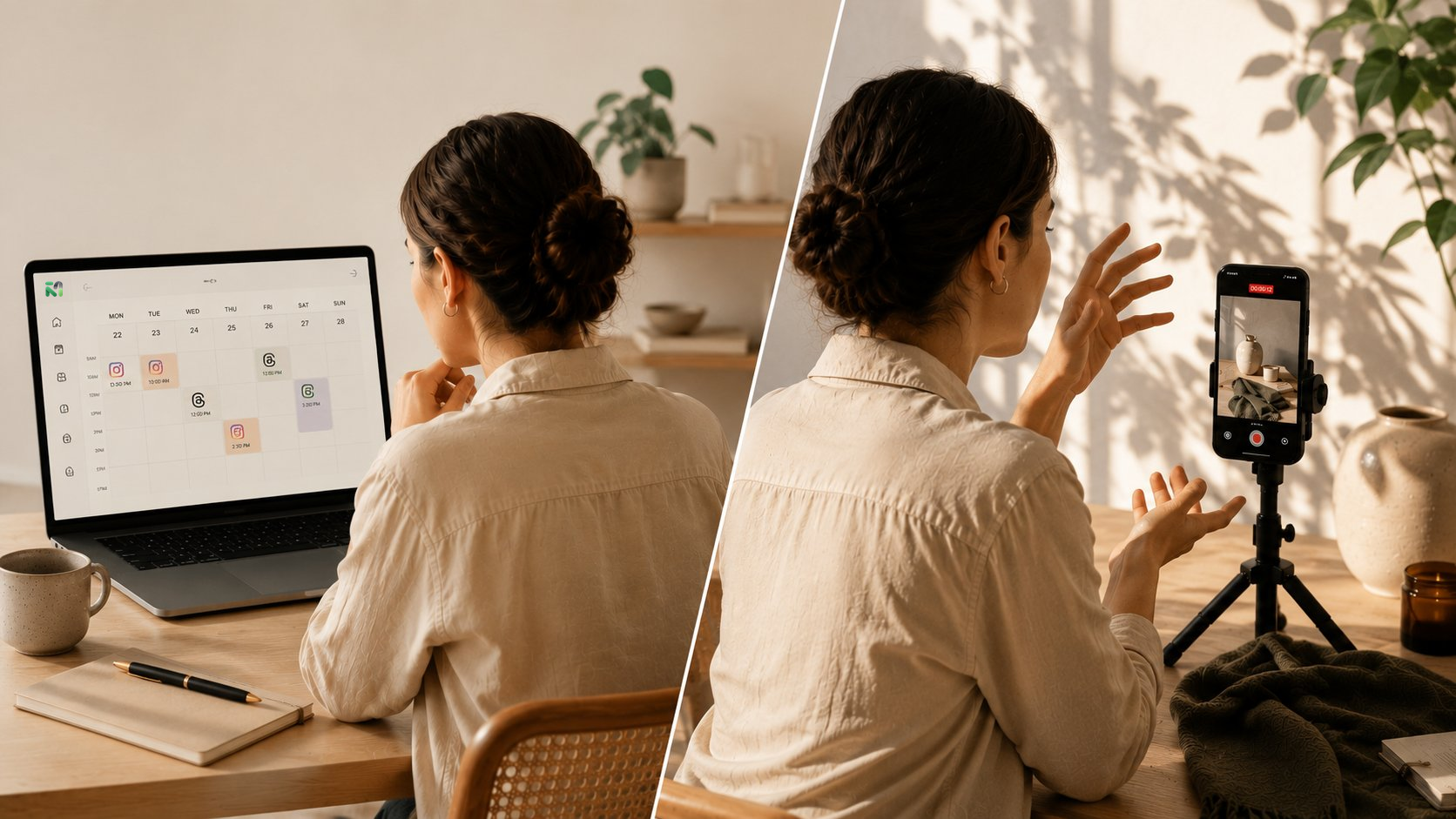
This piece is a decision tree. Four branches, each matching a kind of post you actually publish: planned drops and restocks, customer reviews and UGC, founder-cam moments, and trend-jacks. The queued branches run through Minopa's scheduling calendar so they're not eating your packing time. The live branches stay on your thumb.
Pick the branch. Skip the rest.
Should I schedule social media posts or post natively? Start with the post type
Five buckets. Name what you're posting before you decide how.
Drop posts. The launch. New SKU goes live Thursday 11 a.m., teaser and hero shot ready. Planned weeks out. Half-life: hours.
Restock posts. "Back in stock: the linen tote, sizes M and L." Predictable, repeatable, often the second-best converter after a drop. Half-life: a day or two.
Review and UGC posts. A customer in Austin tags you wearing the thing. You repost. The window before it stops feeling like a conversation is roughly 48 hours.
Founder-cam and BTS. You at the packing table, the supplier visit, the "we just hit 1,000 orders" voice-note Story. Raw, dated, personality-led. Half-life: same day.
Trend-jacks. A sound is spiking, a meme format is hot, a competitor just fumbled. Maybe 36 hours before it's stale.
Different shelf lives, different routes. If you want the weekly mix mapped before you decide per-post, build a content calendar that holds these five buckets first, then come back to the tree.
Branch one: drops and restocks, queue with a hold gate
If the post is a planned drop or a known restock, queue it. The answer here is clean: schedule, but build a gate. The asset is locked days ahead, the copy is final. Thumb-typing it at 11:00:00 a.m. while Shopify is still propagating is how you ship a "Shop now" link to a 404.
The gate is the trick. Queue the Reel, Story, and grid post for 11:05, not 11:00. Then save a launch-day backup as draft: same Reel, captioned "Live now, restocks limited," with the URL removed. If the inventory feed glitches, you pause the queue and push the draft instead. The workflow win is one compose window holding both versions across every launch surface, so the swap takes thirty seconds, not three apps. Minopa publishes to nine first-party integrations from that single calendar, which is where this matters in practice.
Branch two: reviews and UGC, queue but stage as drafts
If a customer just tagged you wearing the thing, the repost is evergreen content with a politeness deadline. Queue it. But don't auto-fire it. Stage it as a draft first, eyeball it, then release.
The reason is human, not technical. A UGC repost without a thank-you tag reads as scraping. A review screenshot with the customer's last name still visible is a privacy nightmare you discover at 4 p.m. on a Wednesday. The draft step is your sanity check: did you credit them, did you blur what needs blurring, does the caption sound like a friend and not a brand brief.
Drop the screenshot or repost asset into your media library, tag it by customer name and SKU, then build the post in draft mode. Schedule it for a 24-hour window after the original tag so it still feels like a conversation. Sixty-second review before each one publishes. The queue runs while you pack. The check happens between orders.
Branch three: founder-cam and BTS, post live every time
If the post is you at the packing table, the supplier voice-note, or the "we just hit 1,000 orders" Story, post it now. Queueing a founder-cam clip kills the one thing it has going for it: the timestamp matches the feeling.
A BTS Story queued for 6 p.m. and shot at 10 a.m. reads as content. The same clip posted at 10:02 a.m. reads as a friend texting. We often see same-hour founder posts pull noticeably higher reply rates than the identical clip queued for later. The exception is travel days. If you're at a supplier visit in Porto and your audience sleeps in EST, capture live, stage one draft via the Creator tier workflow, and publish when your buyers are awake.
Branch four: trend-jacks, the 90-minute rule
If the trend is older than 90 minutes by the time you'd schedule it, post now or skip. That's the rule. Trend half-life on TikTok and Reels collapses fast: the sound spiking at 8 a.m. is a graveyard by lunch, and a queued trend-jack landing at 6 p.m. reads as a brand chasing the bus.
The 90-minute clock starts when you first see the trend, not when the trend started. Inside 90, thumb-type and ship. Outside 90, two options: post live within 30 minutes, or kill the draft. Don't queue it for tomorrow morning. That's the trap.
Trend-jacks usually live on two surfaces at once, so when you do post live, hit Threads and Instagram together in one pass. One capture, two tabs, ninety seconds. Back to packing.
Wiring the tree into your week
Sunday night, twenty minutes, one pass. Open the scheduling calendar, drop Thursday's drop post and any known restocks into the queue with their hold-gate drafts beside them. Stage the UGC reposts you've collected during the week as drafts, no publish time yet. That's it. Don't touch founder-cam, don't pre-write trend-jacks, don't queue Stories.
The queued half buys back your mornings so the live half can be live.