
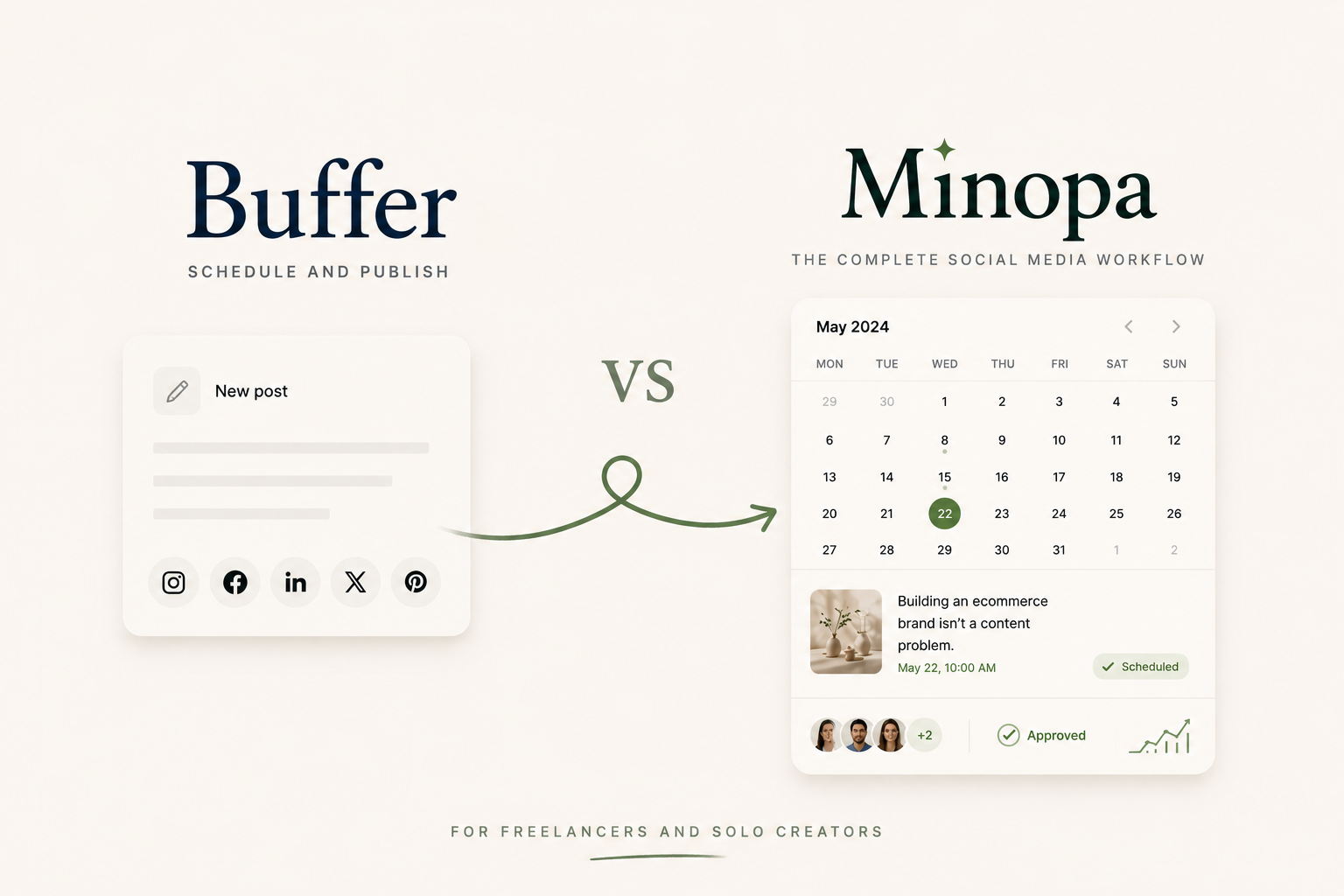
Buffer vs Minopa for Freelancers and Solo Creators
The short version of Buffer vs Minopa: Buffer wins on simplicity and free-tier ceiling for one or two platforms. Minopa wins the moment you cross four platforms, need workspaces per client, or import from Canva often.
At a glance: Buffer vs Minopa
| Buffer | Minopa | |
|---|---|---|
| Free tier | Yes (3 channels, 10 posts each) | Yes (1 account, 15 posts/month, 1 workspace) |
| Paid entry plan | Essentials | Creator |
| Integrations | 7 native, Threads is a paid add-on | 9 native: IG, FB, X, LinkedIn, TikTok, Threads, Pinterest, plus Canva + Google Drive |
| Multiple workspaces | Team plan and above | Free includes 1; multiple on Creator+ |
| Per-platform caption tweaks | Yes (on paid plans) | Yes, from Creator plan |
| Canva native import | No (Zapier required) | Yes, into the media library |
| UI languages | English only | English, German, Spanish, French, Turkish |
| Drag-to-reschedule calendar | Yes | Yes (visual calendar) |
| Best for | 1 to 3 platforms, solo brand | 4+ platforms, freelancers, small agencies |
For the live dollar amounts, check Buffer's pricing and Minopa's pricing directly. The structure is what differs, and it's the structure that drives the cost curve, not the headline number.
Buffer, in two paragraphs
Buffer is the simplest scheduler in this space. The interface has barely changed in three years, and that's a feature, not a bug. You connect a channel, you queue posts, you walk away. The free tier supports three social channels with ten scheduled posts each. That's broader than Minopa's free tier on raw channel count. Migration off Buffer is the easiest in the category because the platform doesn't lock you into proprietary post formats.
Where Buffer falls short for anyone running a real freelance roster is the pricing structure. Each connected channel is its own line item on Buffer's paid plans. Scheduling to Instagram, TikTok, X, LinkedIn, and Threads costs five lines per client. Adding a second client doubles the base. Workspaces only appear on the Team plan, so below that tier you're juggling separate Buffer Orgs by switching browser profiles. The UI is English only. Threads, which most creators now treat as a default channel, sits behind a paid add-on rather than being native. The simplicity that wins on month one starts to feel expensive on month six.
Where Minopa fits
Minopa is built around the workspace, not the channel. Each workspace holds its own connected social accounts, its own media library, its own calendar, and its own team. You can be admin in one client's workspace and a viewer in another's. The dropdown to switch between them sits in the top bar. The Creator plan gives you all nine integrations including Canva and Google Drive imports under one flat price. The Growth plan adds multiple workspaces and team invites for freelancers running a roster.
Three situations make Minopa the better pick. You're already scheduling to four or more platforms. You need workspaces to keep clients separate. Or your design workflow runs through Canva, and you're tired of saving files locally before uploading. The five-language UI (English, German, Spanish, French, Turkish) covers most European Minopa-shopper territory at no extra charge. Where Buffer still wins: if you only manage one or two of your own brands and your channel count is two or three, Buffer's free tier covers more ground at zero dollars, and the simpler interface is a fair trade.
Pricing structure, freelancer math
Cost is the most common reason creators switch tools, so the structure matters more than the headline price. Buffer charges per channel on paid plans. Each Instagram, TikTok, X, LinkedIn, and Threads account compounds the bill. Adding a second client doubles that base. The math gets uncomfortable around the fourth or fifth channel per workspace.
Minopa's paid plans roll all nine integrations into one flat rate per plan tier. A freelancer on Creator gets every channel for the same price as a creator who only uses two. The Growth and Scale tiers add workspaces and team seats without recharging per channel. For a freelancer crossing the four-channel line, the spread between the two pricing models stops being academic.
The exact numbers update over time on Buffer's pricing page and Minopa's pricing page. Run your own count against both before committing.
Workspaces and permissions
A freelancer running three or more clients needs workspaces, not channels. Workspaces isolate brand assets, calendars, and connected social accounts. The wrong post never lands on the wrong feed because the wrong feed isn't even loaded into the surface you're looking at. Buffer ships workspaces only on the Team plan, which prices most freelancers out of the feature they actually need.
Minopa makes workspaces available from the Free plan (one workspace) and unlocks multiple workspaces plus team invitations on Creator and above. Granular admin, member, and viewer roles let you grant a client's marketing coordinator drafting rights without giving them the ability to disconnect a social account. If the most expensive mistake in your week is logging into the wrong Buffer Org and posting a draft to the wrong brand, this is the feature that ends that pattern.
Canva, Google Drive, and the integrations gap
Buffer has seven native integrations and uses Zapier to bridge popular design tools. That works if you've already set up the bridge, you maintain the Zap, and you don't mind the export-import dance for every design.
Minopa imports designs directly from Canva and Google Drive into the media library, with cropping and resizing inside the app. The composer pulls from that library when you schedule. There's no Zap, no broken file path when Canva regenerates a thumbnail, no "I'll just re-export it real quick" detour that takes twenty minutes.
Who should pick which
If you run one or two of your own brands across three or fewer platforms, and you mostly post manually with light scheduling, Buffer's free tier is the right home. The simplicity is real, the cost is zero, and most of what you'd gain by switching to a heavier platform you won't actually use.
If you run multiple brands or four-plus platforms, Minopa is the better long-term home. The same applies if Canva imports are part of your weekly flow, or if you need workspaces and per-client permissions. Run the math against your channel and workspace count on both Buffer's pricing and Minopa's pricing. The decision usually answers itself.
Frequently asked questions
Is Minopa cheaper than Buffer?
It depends on channel count. Buffer bills per connected channel on paid plans, so Instagram, TikTok, X, LinkedIn, and Threads is five line items per client. Minopa rolls all nine integrations into one flat plan rate. Below four channels Buffer's free tier is hard to beat; past four, Minopa's flat structure usually wins. Check Buffer's pricing and Minopa's pricing against your own count.
Does Minopa have a free plan like Buffer?
Yes. Minopa's Free plan covers one account, 15 posts a month, and one workspace. Buffer's free tier is broader on raw channels (three channels, ten scheduled posts each), so for one or two platforms Buffer reaches further at zero dollars.
Can I import Canva designs into Minopa?
Yes, natively. Buffer needs a Zapier bridge to move designs from Canva. Minopa imports from Canva and Google Drive straight into the media library, with cropping and resizing in-app and no export-import step.
Is it easy to switch from Buffer to Minopa?
Yes. Buffer doesn't lock you into proprietary post formats, which makes migration the easiest in the category. Reconnect your channels inside a Minopa workspace, import your media, and rebuild the queue as a calendar.
Start free, switch when the channel math flips
Minopa's Free plan lets you try workspace-based publishing without a card. The flat-rate Creator plan is where the spread opens up: the moment you cross the fourth channel or add a second client, per-channel pricing stops being the cheaper option. Compare the plans against your channel and workspace count before you commit.